/ Prefab Provenance
1 / 8 · Overview
Prefab Provenance
See where a prefab value comes from, all the way back to its source.
29.99 USD
Per seat · One-time purchase
Asset Store release in preparation.
Inspect variants, nested prefabs and scene overrides in one window. Find the level that owns a value, then open it in Unity's Inspector.
Version 1.0.0 · Editor-only · Read-only inspection
Verified with Unity 6000.4.1f1 on Windows.
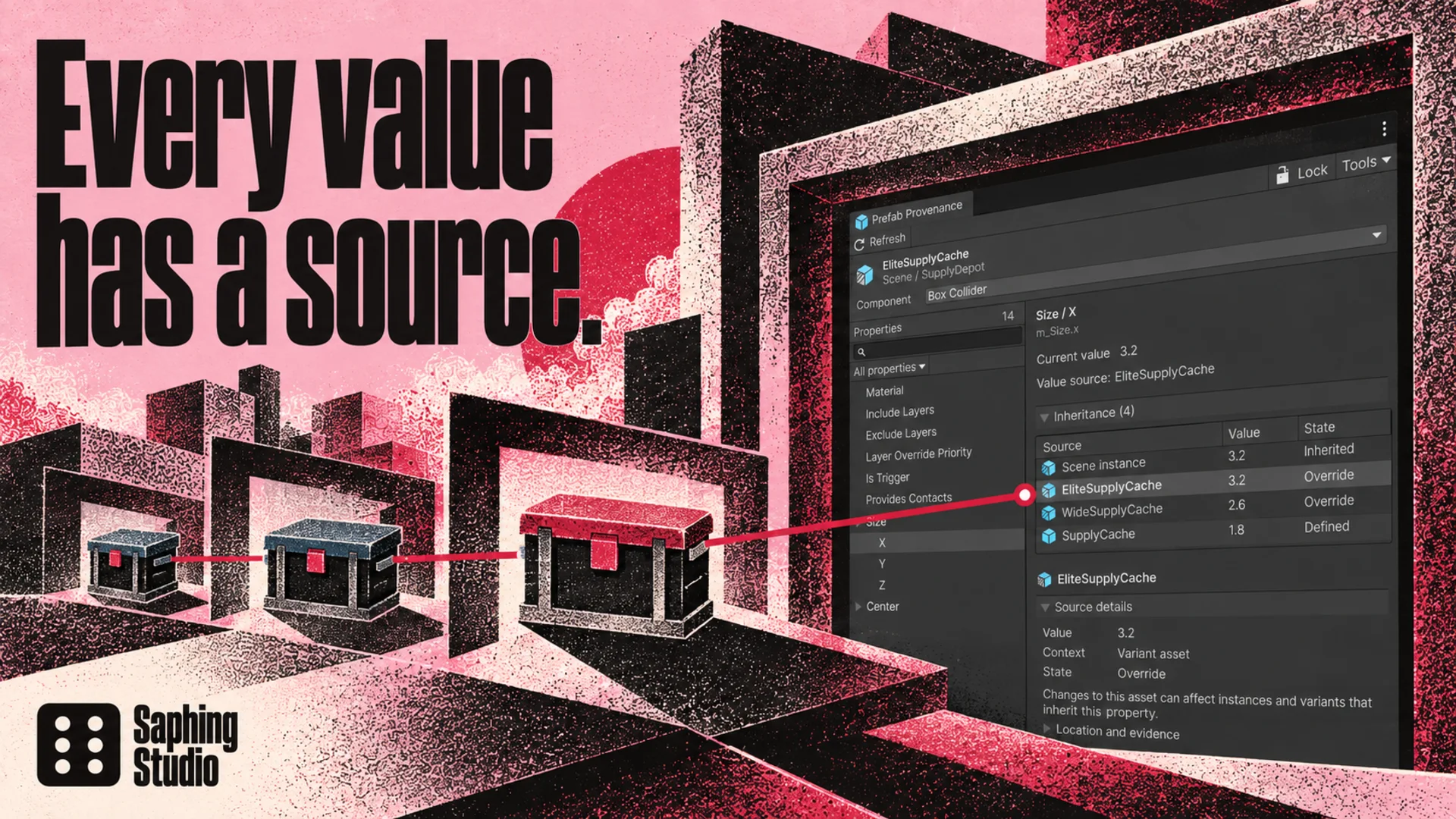
Prefab Provenance shows where a serialized value comes from. Select an object and a property to compare its value through the prefab chain, from the original asset to the scene instance.
Inspect the complete source chain
See inherited values, overrides and missing data in one window. Distinguish a nested prefab asset from its occurrence inside another prefab.
Follow variants, nested prefabs and scene overrides.
Search by field name or serialized property path.
Filter local overrides and lock the current inspection.
Open the relevant source in Unity's Inspector.
Your project stays under your control
Inspection is read-only. The tool does not apply, revert or save changes. Editing remains in Unity's native Inspector.
Read the getting started guideTechnical details
Included in the package
The Editor extension, an offline manual, native lighting examples and a reproducible example generator.
The warehouse and UI scenes in the gallery are separate marketing demonstrations. They are not included. Other Unity versions and operating systems are not verified.
Full compatibility and limits